Premium player software for your own playlists
Your playlist.
A real television experience.
Bring an M3U playlist, Xtream-compatible account, or Stalker portal you’re authorized to use. KimberPlay organizes even massive libraries into beautiful Live TV, Guide, Movies, Series, Sports, Search, and protected After Dark experiences.
No channels or TV subscription included. Use only sources you are authorized to access.
Now on ATLAS · Channel 12
Stellar Frontier
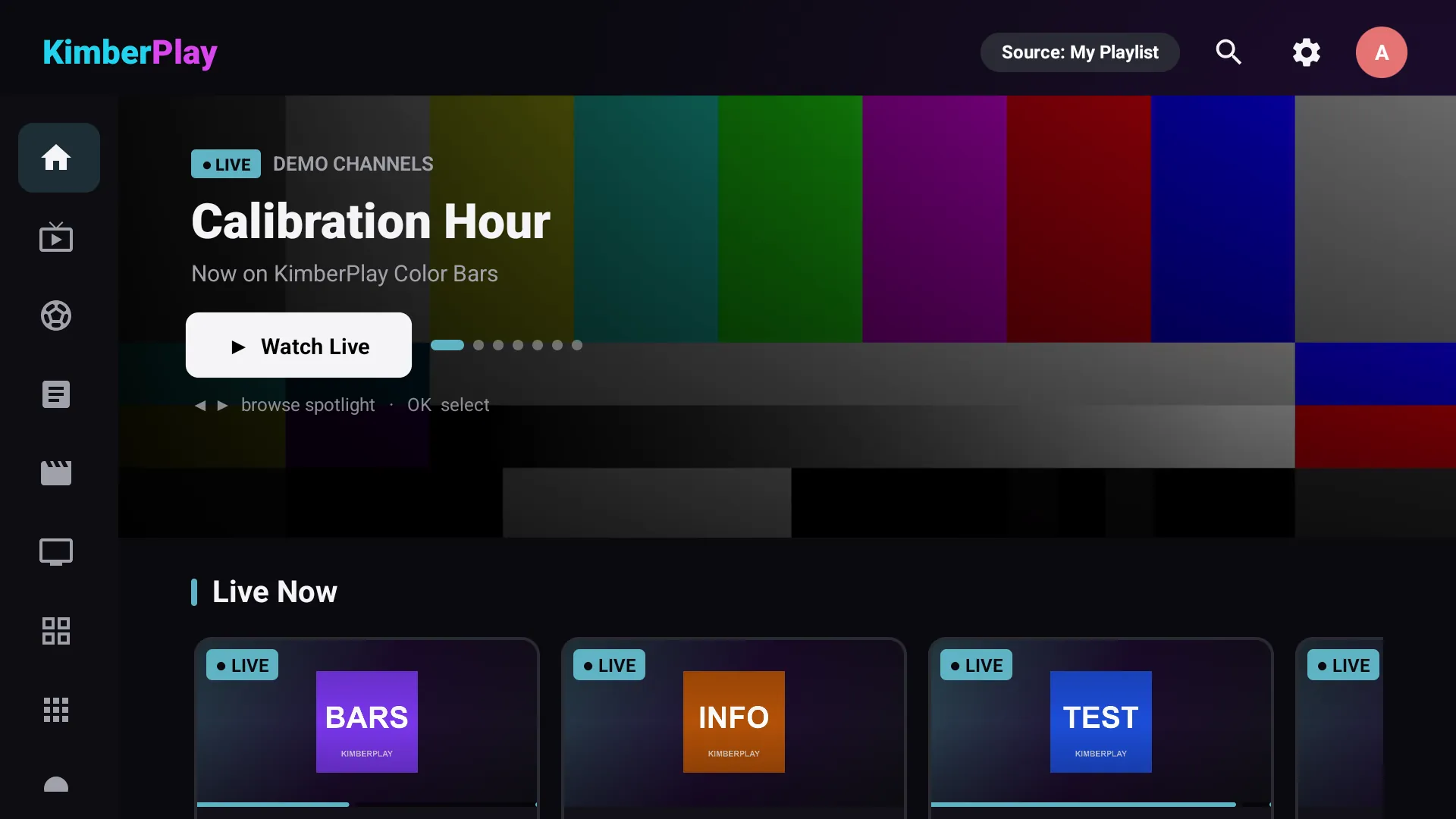
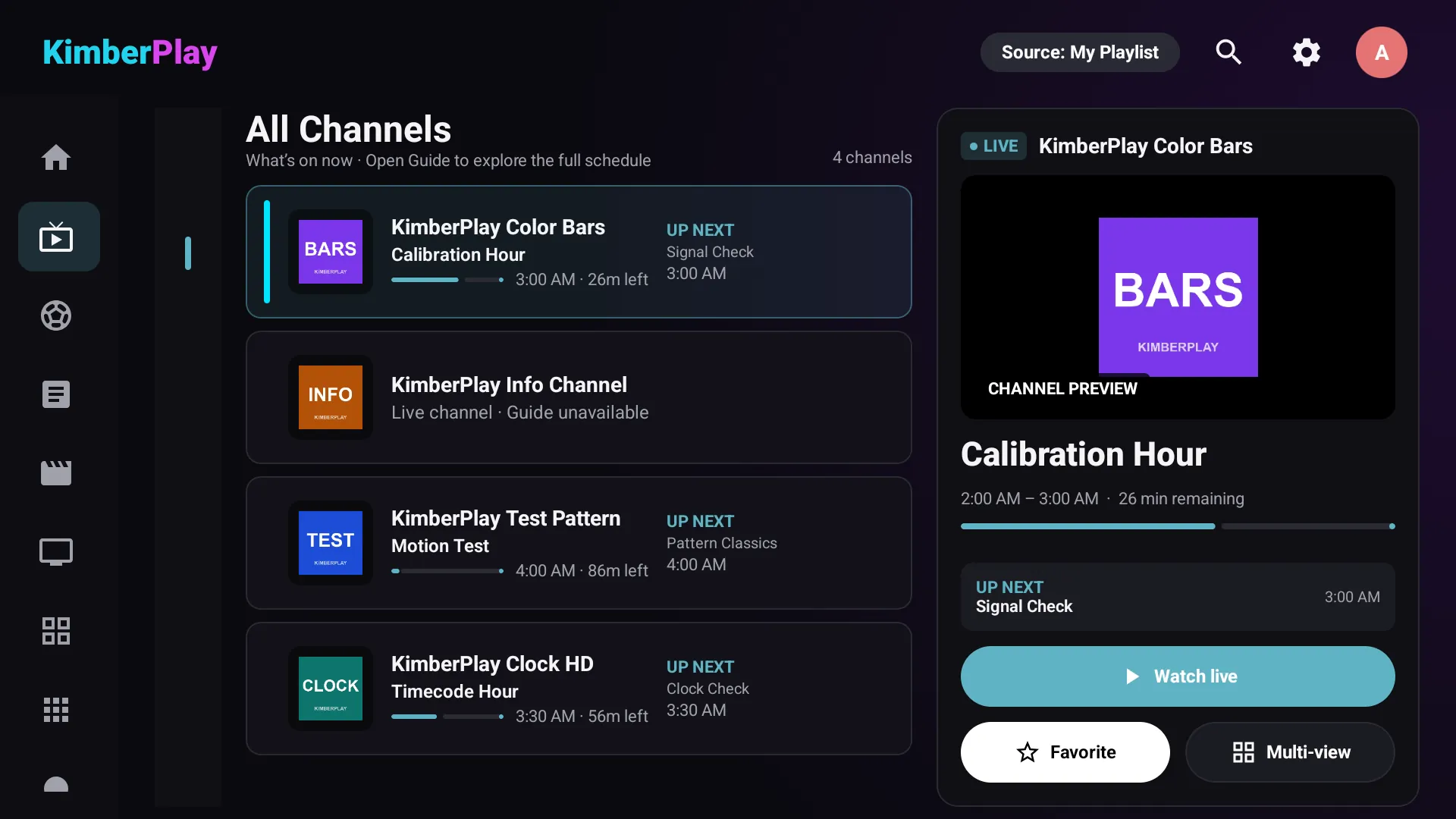
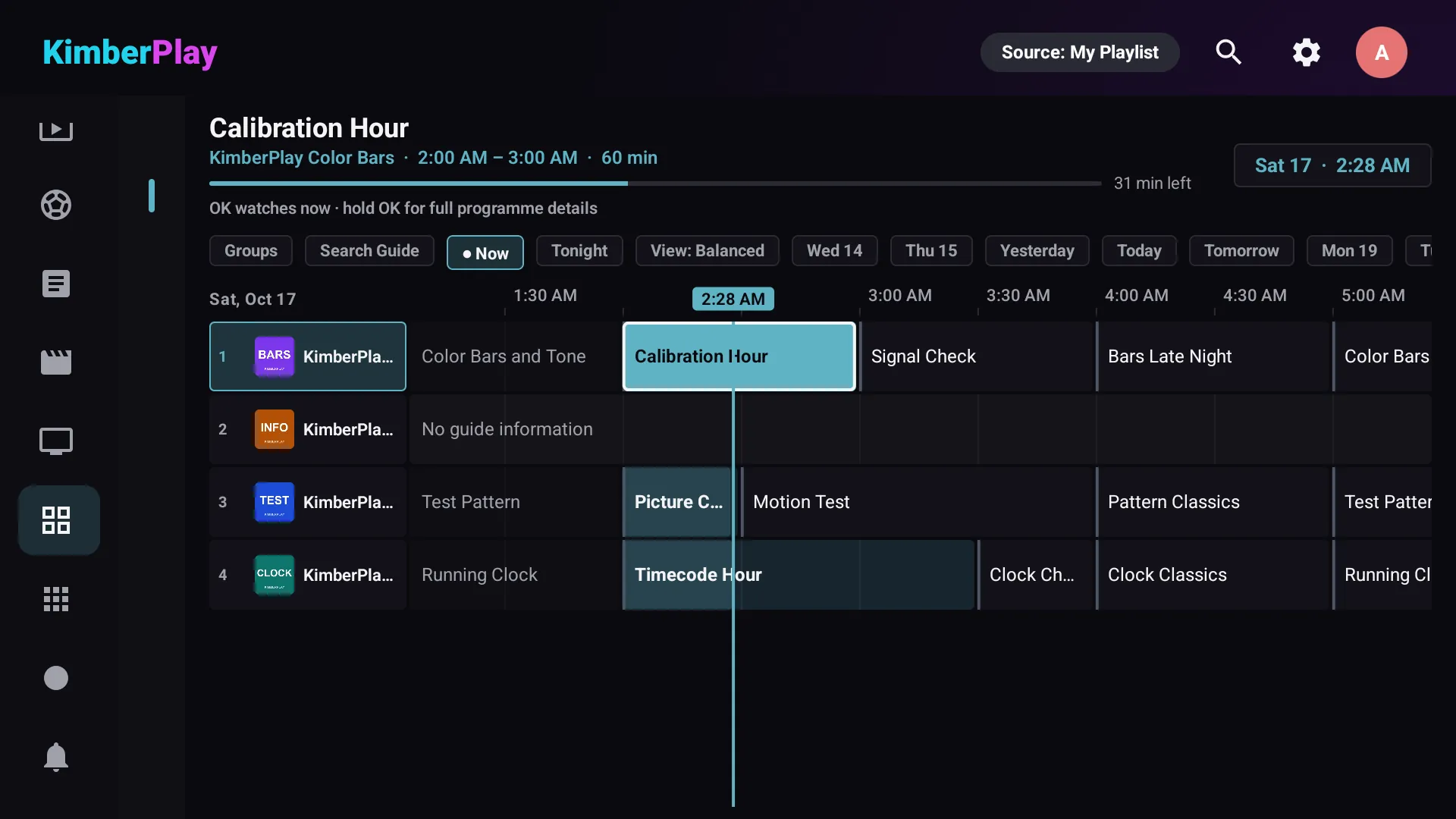
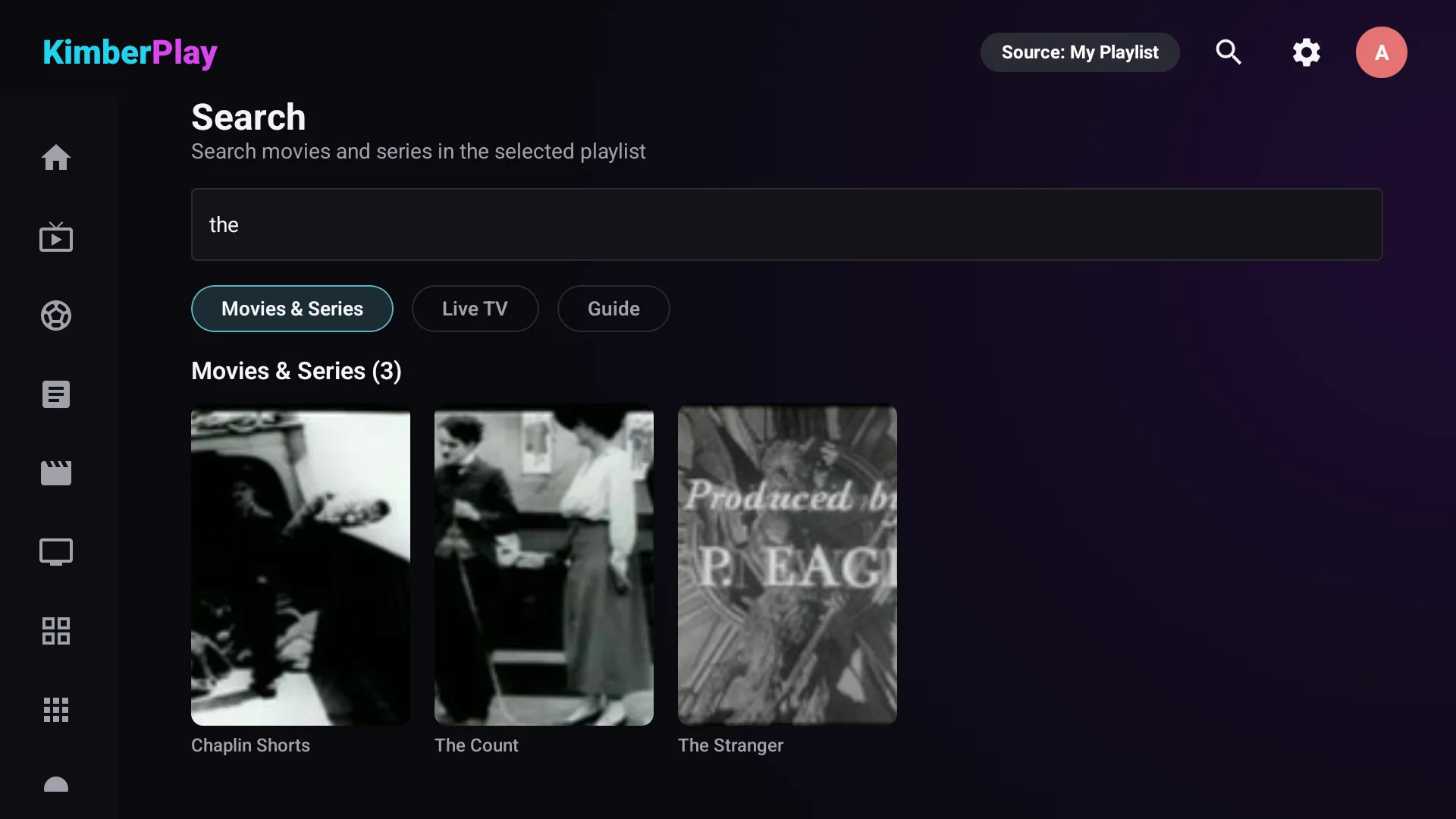
Interface preview. All channels, programs, and artwork are fictional.
- No channels includedSoftware only, by design
- Private by designYour playlist stays yours
- Remote-firstMade for ten feet away
- Built for Android TVVerified devices at launch
From source to screen
Your source gives you a list.
KimberPlay turns it into television.
Stop digging through thousands of cryptic groups and duplicate titles. KimberPlay detects languages, separates content types, builds a real guide, and groups matching releases — so the result simply feels like TV.
#EXTINF:-1 tvg-id="" group-title="US| GENERAL |4K",US⎮ CHANNEL 1083 ᴴᴰ
#EXTINF:-1 group-title="24/7 |EN| RANDOM",24-7 : Space Show (S02) [MULTI]
#EXTINF:-1 group-title="VOD|FR|ACTION",FR - Le Film Action 0412 (2019) 720p
#EXTINF:-1 group-title="■■ SPORTS PPV ■■",EVENT 07 ► TBA ► 8PM ET
#EXTINF:-1 group-title="SERIES |ES",Deep Orbit S02 E04 (SUB) DUP
#EXTINF:-1 group-title="SERIES |EN",Deep.Orbit.S02E04.2160p.[BK-UP]
#EXTINF:-1 group-title="|AR| MOVIES 1080",فيلم — 2214 (MULTI-SUB)
#EXTINF:-1 group-title="KIDS?? MISC",JUNIOR TV +1 backup (slow)
… and 42,000 more lines of this.
The difference
Everything you watch.
Finally in its place.
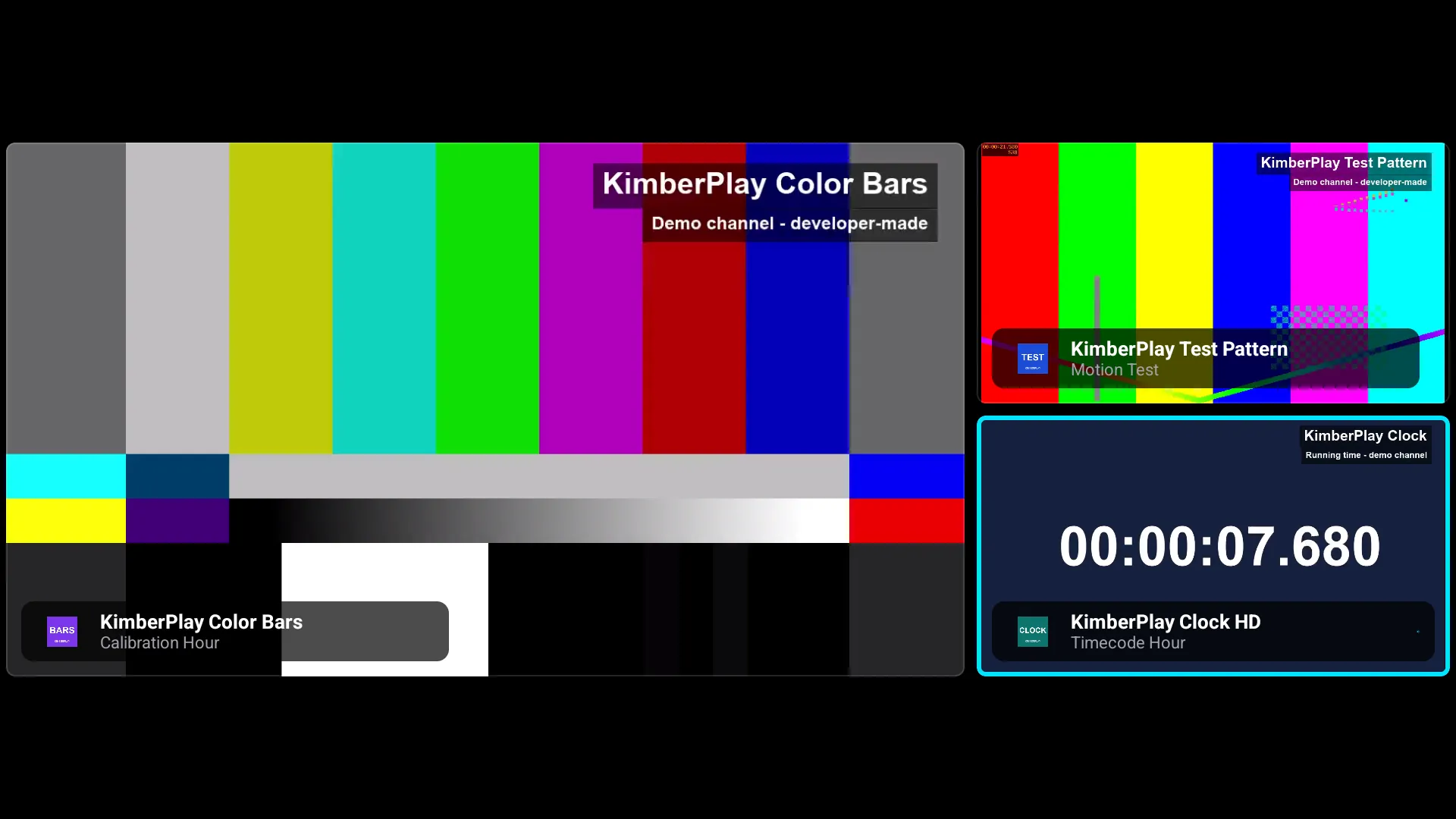
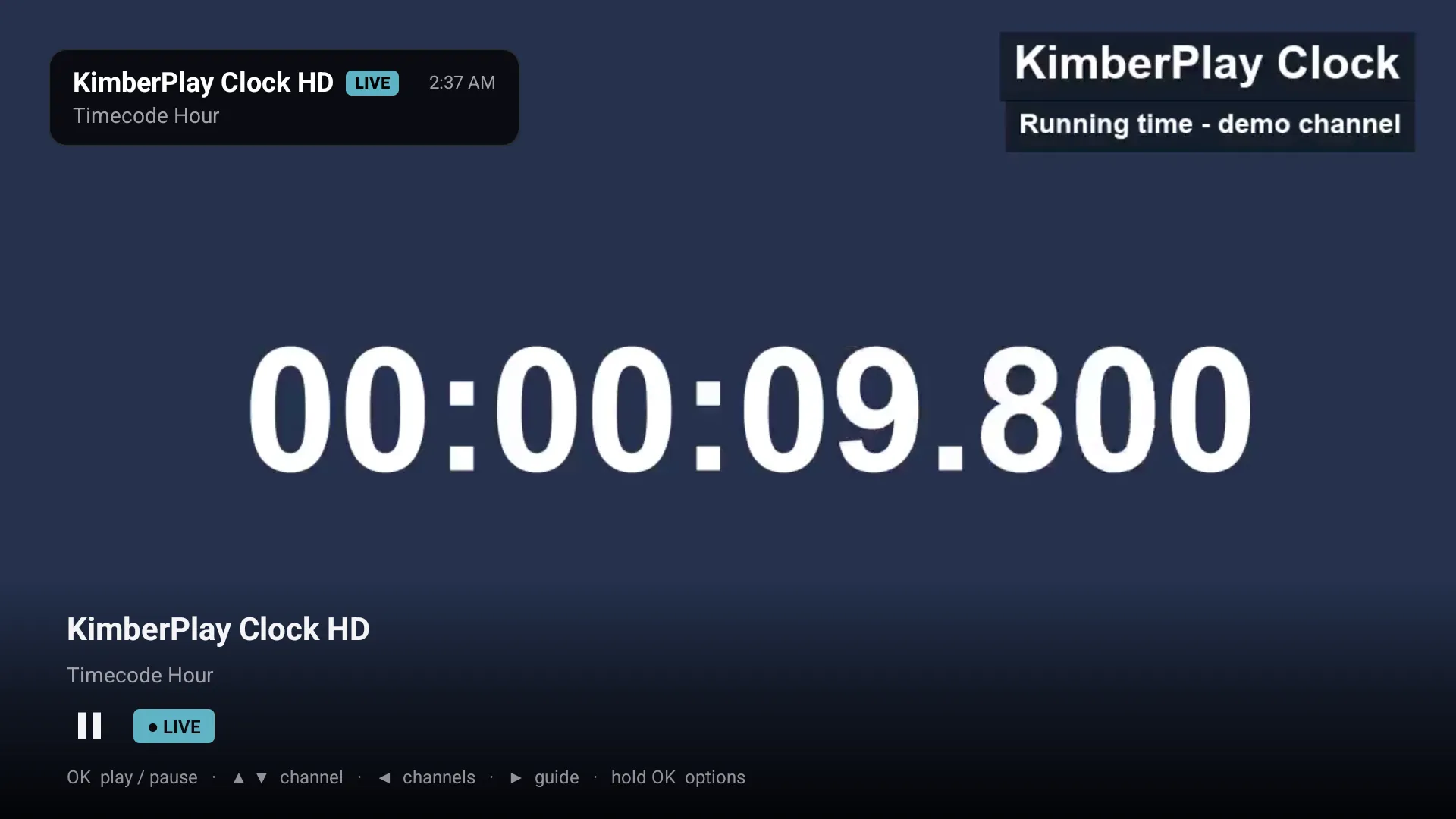
Live TV + Guide
Television that feels immediate.
Fast channel changes, favorites, recent channels, Now & Next, and catch-up when your source supports it. If a stream stumbles, KimberPlay reconnects and fails over to another source before you reach for the remote.
- Remote-first guide, readable from the couch
- Playback recovery and source failover
- Favorites and recents where you expect them
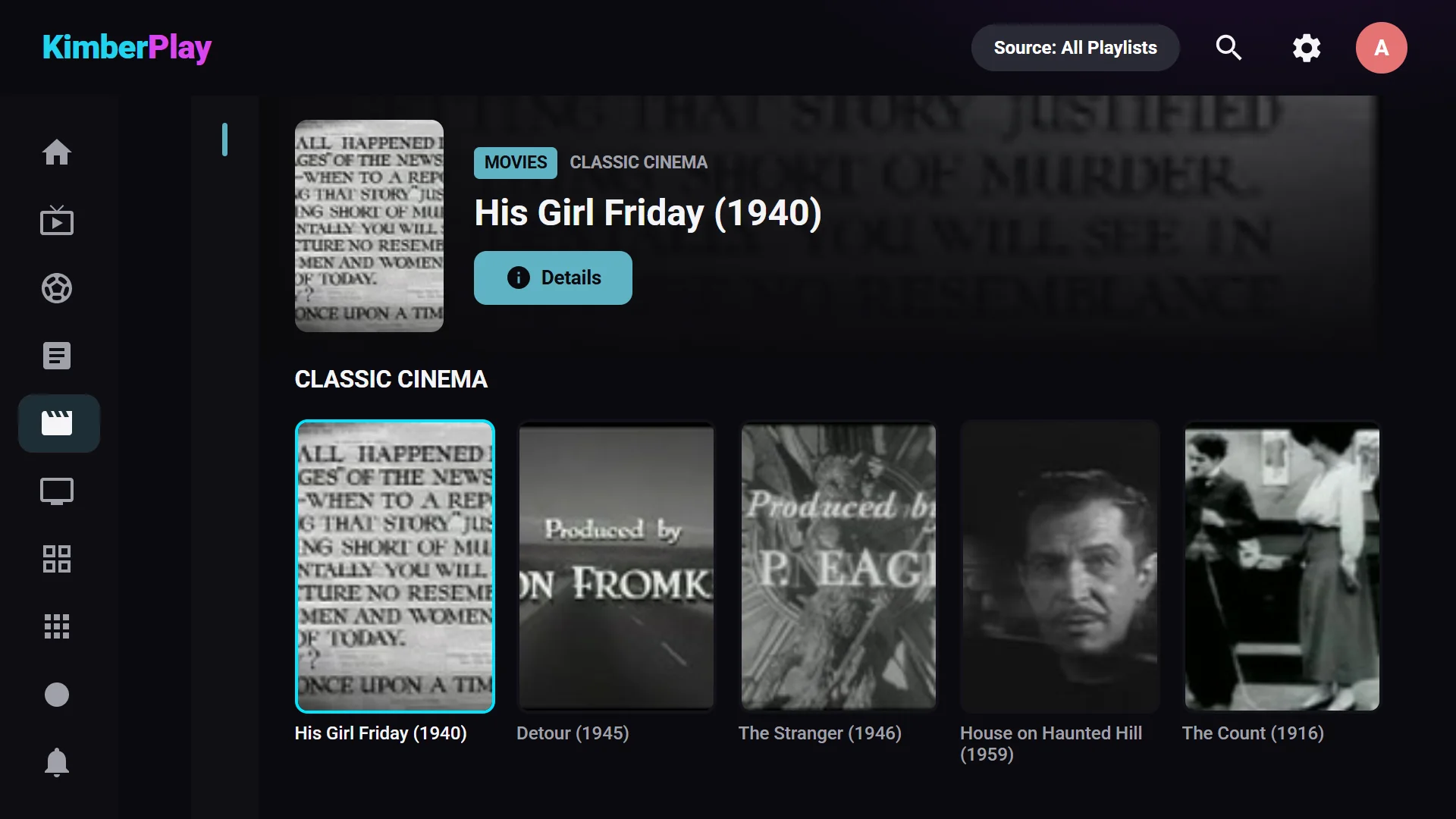
Movies + Series
One title. Every version. Zero chaos.
Providers ship the same movie four times in three languages. KimberPlay groups matching releases into one canonical title with selectable sources, real seasons, episode progress, and continue watching that actually continues.
- Duplicate releases merged automatically
- Best source picked, alternatives one click away
- Progress tracked across seasons and devices
ORBIT
4 releases → one title
- 2160p HDREnglishAuto
- 1080pEnglish
- 1080pEspañol
- 720pEnglishBackup
Continue S2 E4 · 12 min left
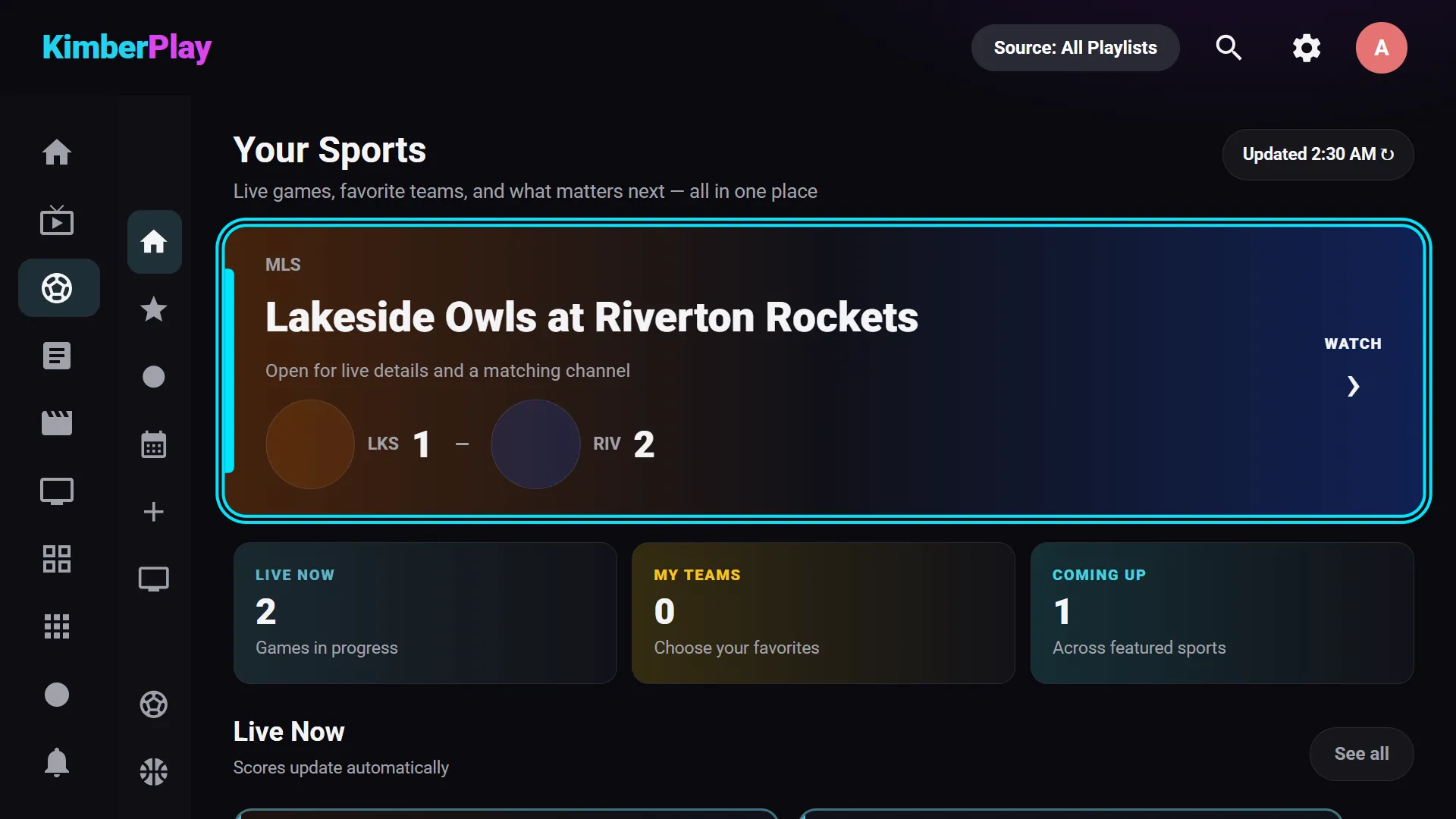
Sports Hub
Game day gets a front door.
Sports channels and events are scattered across any real playlist. KimberPlay finds them and builds a dedicated hub — leagues, events, and live channels — so you go from kickoff to watching in seconds.
- Events gathered from across the playlist
- Every broadcast of a game in one place
- Built for channel-hopping between matches
After Dark
Private means private.
Adult content is classified into a PIN-protected After Dark library and kept out of family-visible search, browsing, rails, recommendations, and history. Or skip syncing it entirely — it's your call, made once.
- PIN-locked, separate library
- Invisible to search and continue watching
- Excluded from sync with one switch
- Hidden from search and rails
- Kept out of family history
- Synced only if you choose
Your control
Import less.
Enjoy more.
Refresh only the parts of your source that matter. KimberPlay treats Live TV, Movies, Series, and After Dark as independent choices — not one giant switch — and keeps only the languages you actually speak.
Engineering, not promises
Built for the playlist
you actually have.
Real playlists are enormous, inconsistent, and occasionally broken. KimberPlay is engineered for that reality: imports are staged and swapped atomically, search is indexed, paging is bounded, and playback recovers on its own.
- Atomic importsA failed refresh can never corrupt your library
- Indexed searchInstant results across everything you sync
- Playback recoveryReconnects and source failover, automatically
Read the million-entry benchmark — dated, reproducible, slow numbers included.
Privacy
Your playlist should not become
somebody else’s dataset.
Core organization and viewing happen on your device. KimberPlay never sells provider credentials or viewing behavior. Here is exactly where your data lives.
Stays on your device
- Playlist contents and source credentials
- Viewing history and episode progress
- After Dark library and PIN
- Search, favorites, and organization data
Leaves only with your say-so
- Account email, if you create an account
- Billing, handled by the payment processor
- Diagnostics you explicitly approve
The boundary
Your playlist is yours.
That is the point.
KimberPlay sells software and a better viewing experience. It does not sell access to television.
- 01No channels includedNo television service, playlist, movie, or series is bundled — ever.
- 02No provider recommendationsKimberPlay never sells, ranks, or brokers third-party services. Use only sources you are legally authorized to access.
- 03Household controlYou decide which sections are imported, displayed, and protected.
Simple setup
From install
to watching.
Four clear steps. No mystery, no side-loading folklore, no disabling your device’s security.
- 01Install KimberPlay
Download the signed APK below and install it on your Android TV, Google TV, or Fire TV device.
- 02Add your authorized access
Enter an M3U playlist, Xtream-compatible account, or Stalker portal you already have the right to use.
- 03Choose what matters
Pick languages, then sync Live, Movies, Series, and After Dark independently.
- 04Start watching
KimberPlay organizes everything into a remote-first television experience.
The first public build publishes here shortly — the download button, version, and SHA-256 checksum will appear on this exact spot.
Designed from ten feet away
At home on the screen
across the room.
A device is called verified only with a recorded result behind it — model, OS version, what was exercised, and when. The full matrix is public.
See the verified device matrix — model codes, OS versions, and dates, not badges.
Pricing
Pay for the player —
not somebody else’s channel package.
Plans unlock KimberPlay software features and device seats. They never include television channels, media rights, or a third-party IPTV subscription.
Prices in USD; applicable taxes appear at Stripe checkout. Your license key arrives by email within a minute of purchase — enter it on your TV under Settings → License. Cancel a yearly plan anytime at kimberplay.com/billing; it keeps working until the term ends. 14-day refund policy. Plans unlock player features only — no channels or content are ever included.
Good to know
Straight answers.
No fine print games.
Does KimberPlay include channels, movies, or subscriptions?
No. KimberPlay is media-player software only. It does not provide, sell, host, recommend, or bundle channels, playlists, subscriptions, or any audiovisual content.
What do I need to use it?
A supported device and a playlist or compatible source you are legally authorized to access — an M3U URL, an Xtream-compatible account, or a Stalker portal.
Does KimberPlay sell or recommend IPTV services?
No. KimberPlay does not sell, rank, recommend, or broker third-party television services, and never will.
Are my playlist credentials uploaded anywhere?
No — playlists, credentials, viewing history, and progress stay on your device. The app's only always-on call home is license verification (your key plus a random install ID), and the Privacy page lists every network call the app can make.
Can I sync only part of my playlist?
Yes. Live TV, Movies, Series, and After Dark sync independently. Refresh one section without touching the others.
Will it handle a really large playlist?
That is the design center. Atomic imports, indexed search, and bounded paging exist specifically so six-figure playlists stay fast on TV hardware — see the published million-entry benchmark for the dated, honest numbers.
Which devices are supported?
Android TV / Google TV on Android 5.0 or newer. The Verified Devices page lists exactly which hardware has been through a recorded verification pass, with OS versions and dates.
Where does the program guide come from?
From your source: Xtream accounts supply EPG directly, and any XMLTV URL can be added (with backups) in Settings. KimberPlay renders it as a full cable-style timeline with reminders and catch-up where your provider supports it.
Is there a free trial?
Better: the Free tier is free forever, no card, no countdown — one playlist and the full viewing experience. Plus exists for power features like recording and multiple playlists, and a 14-day refund policy backs every purchase.
The next screen is yours
Make your playlist
feel like television.
No channels or TV subscription included. Use only sources you are authorized to access.